See It In Action
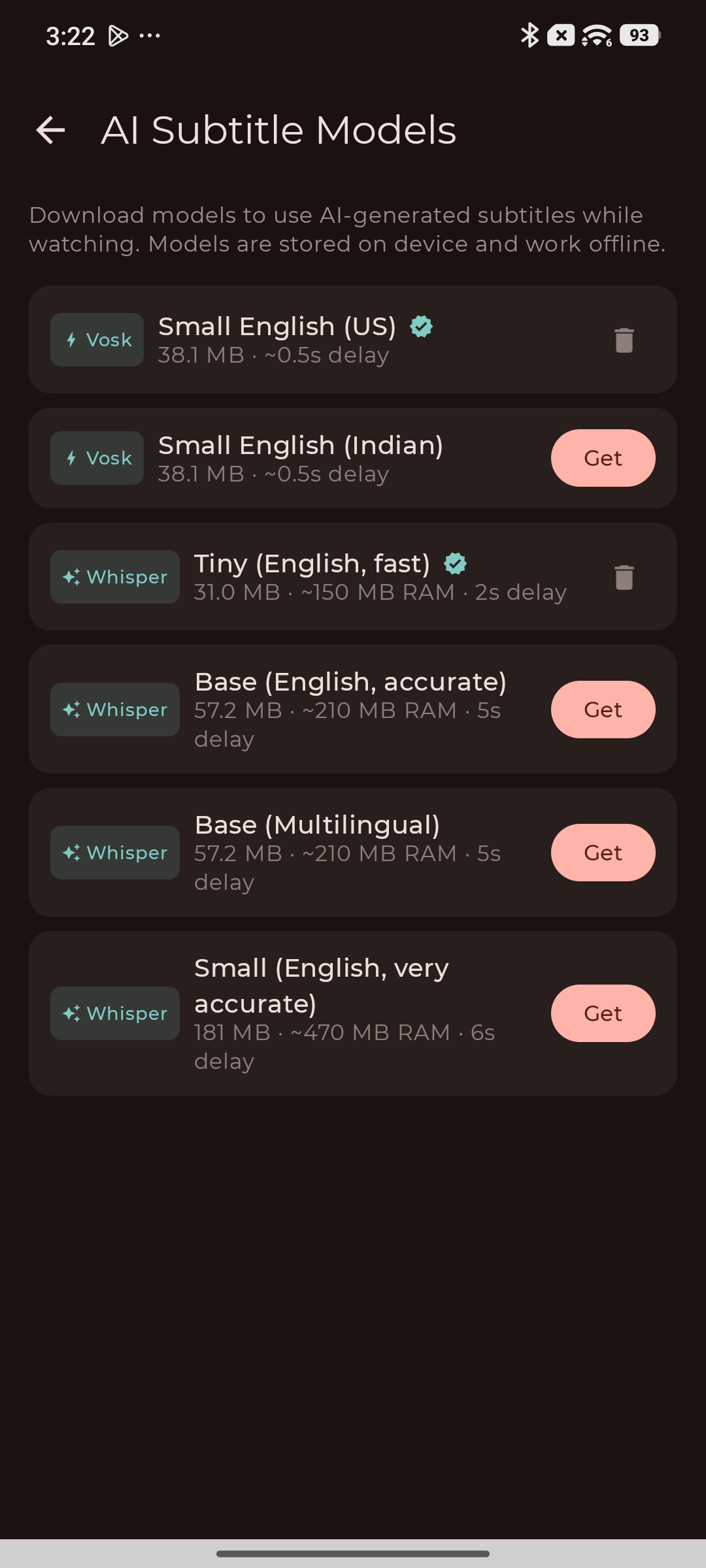
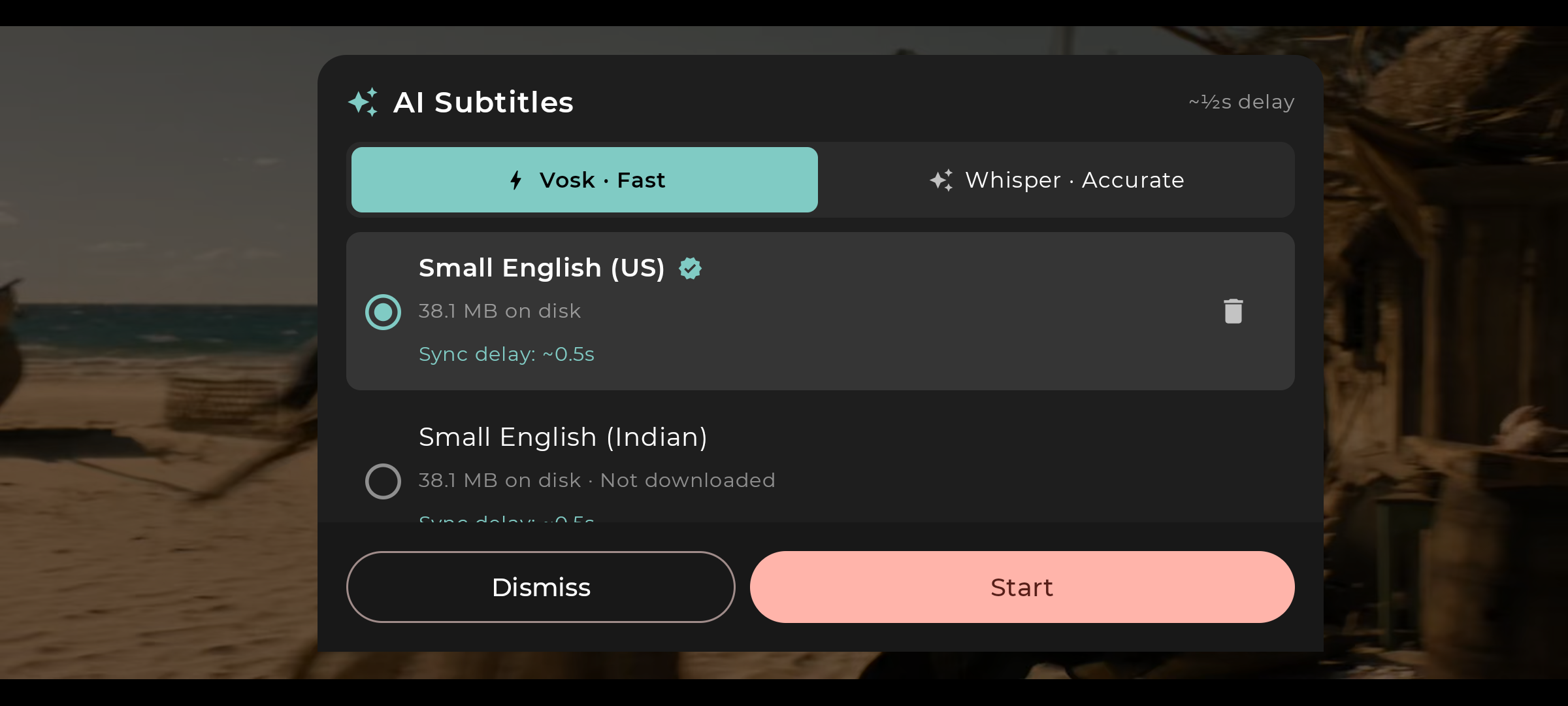
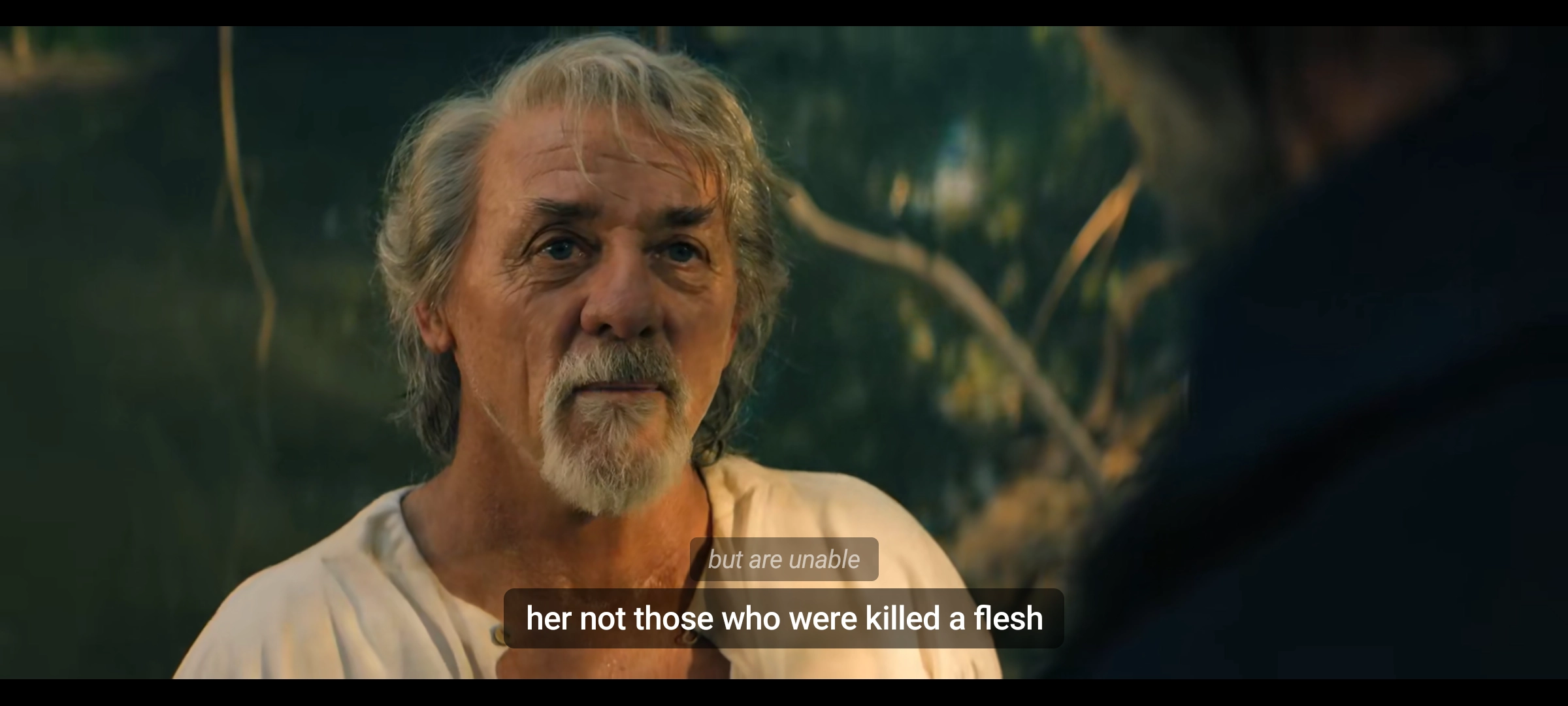
Torrvilla generates live subtitles on your device using advanced speech-to-text models. Works on any video — even streams with no subtitles available. No internet needed. No data leaves your phone.
While a video is playing, tap the subtitle icon and select "AI Generated Subtitles" from the track list.
Choose Vosk for speed or Whisper for accuracy. Download your model once — it's stored locally.
Subtitles generate in real time, perfectly synced to what you hear. Tap Off any time to switch back.
Different content needs different tradeoffs. Pick the engine that fits how you watch.
Download models directly from the app. They're stored locally and reused across sessions.
100% local processing. No audio is ever sent to a server. Your viewing stays private.
Download a model once on Wi-Fi. After that, subtitles work with no internet connection at all.
AV-shifting delay buffers audio so generated cues appear exactly when words are spoken.
Vosk for near-instant captions, Whisper for higher accuracy. Switch per session without leaving the player.
AI subs appear in the standard subtitle picker. Selecting any other track instantly disables AI mode.
Actively developed. More models, languages, and accuracy improvements are planned for future releases.
Free for Android. Download the latest version and enable AI subtitles from the subtitle picker inside any video.
Download Now — FreeNo. Models are downloaded once (40–181 MB depending on your choice) and then run entirely on your device. No audio ever leaves your phone.
Use Vosk for most content — it syncs within ~500ms and handles English movies and series well. Use Whisper for noisy audio, multiple speakers, or when you need higher transcription accuracy.
This is a beta feature. Accuracy is good for clear speech, but you may see occasional errors with heavy accents, background music, or overlapping speakers. We're actively improving it.
Currently English (American accent via Vosk en-US), Indian English (via Vosk en-IN), and multilingual auto-detection via the Whisper base multilingual model. More languages are planned.